 MyCommute
 press kit
Facts, screenshots and ready-to-quote text for writing about MyCommute.
Press contact: Robin Kanatzar, hello@robinkanatzar.com (opens your email app)
Download the whole press kit (ZIP file, 10 MB): every image on this page at full size, plus the fact sheet as a text file.
Fact sheet
| App | Traffic Alerts - MyCommute (short name: MyCommute) |
|---|---|
| What it is | MyCommute is an iPhone app that watches the traffic on your drive to work and sends you a notification that tells you when to leave. |
| Price |
Free for one route on up to 3 days a week. MyCommute Premium is optional: $0.99 per week after a 3-day free trial, $29.99 per year, or $39.99 once for lifetime access. These are the US App Store prices on 24 November 2026. Prices differ by country. |
| Platforms | iPhone and iPad, iOS 18.6 or later. There is no Android version. |
| Release date | First released on 6 September 2024. The current version is 2.0.9, released in November 2026. |
| Developer | Robin Kanatzar, an independent developer based in Bordeaux, France |
| App Store | apps.apple.com/us/app/traffic-alerts-mycommute/id6499107902 |
| Website | mycommute.app |
| Languages | More than 30 |
| Category | Navigation |
About MyCommute
In one sentence
MyCommute is an iPhone app that watches the traffic on your drive to work and sends you a notification that tells you when to leave.
In one paragraph
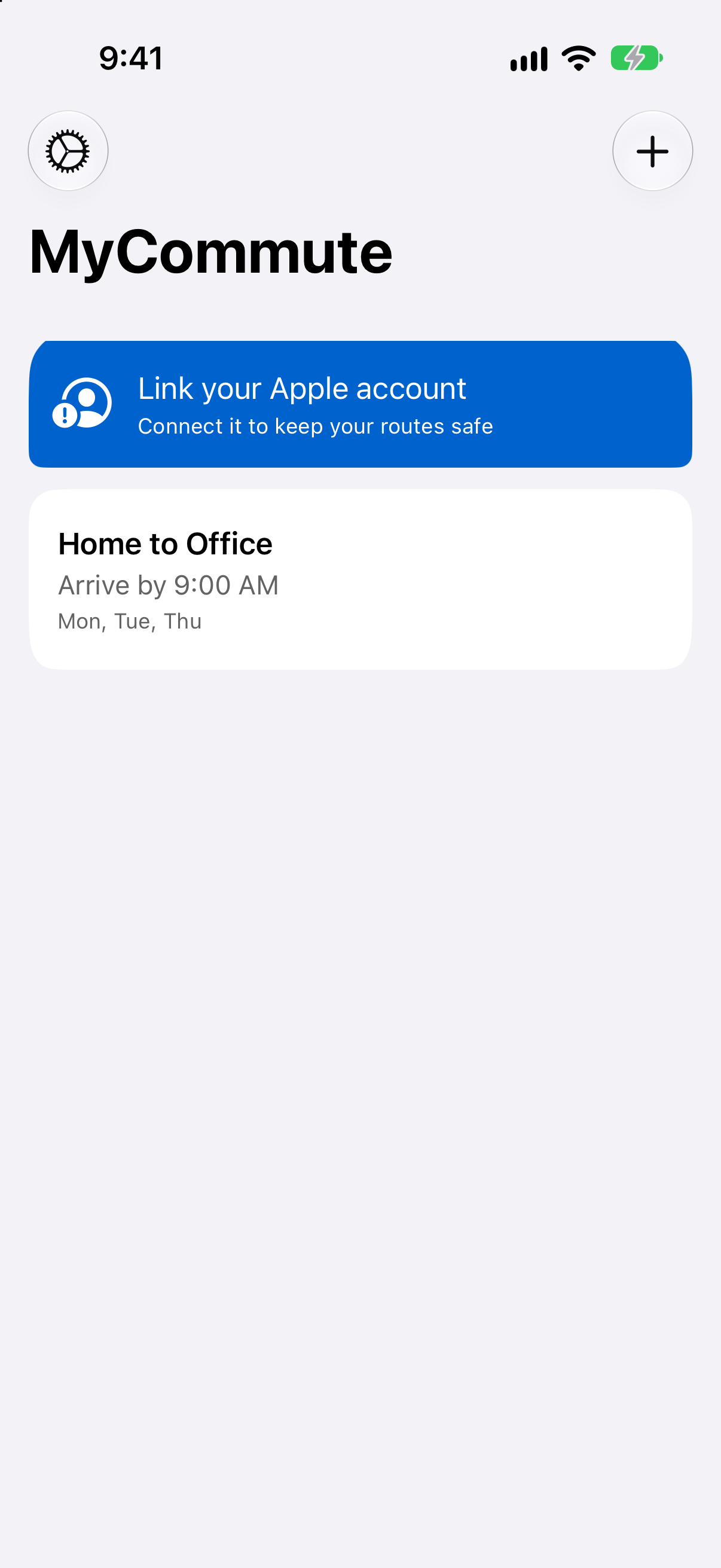
MyCommute is an iPhone and iPad app for people who drive the same route to work. You save your commute once, and on the days you drive, the app watches the traffic and sends a notification that tells you when to leave. Unlike a maps app, there is nothing to open or check in the morning: the answer arrives on your Lock Screen. MyCommute is free for one route on up to 3 days a week. Premium costs $0.99 per week, $29.99 per year or $39.99 once.
The full story
Most people who drive to work leave at the same time every day, but the traffic is different every day. On a bad day, they find out when they are already sitting in the jam. Checking a maps app every morning works, but it is one more thing to remember before leaving the house.
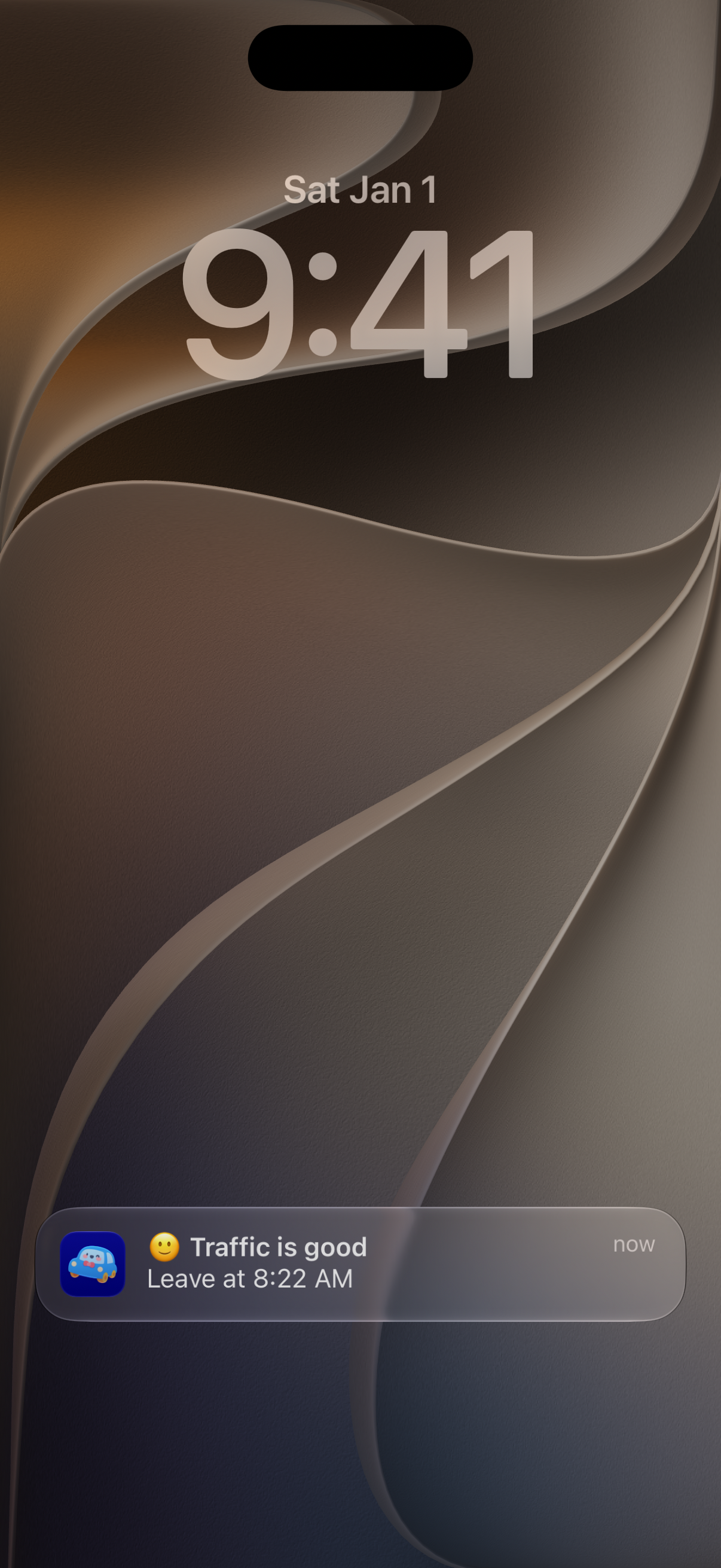
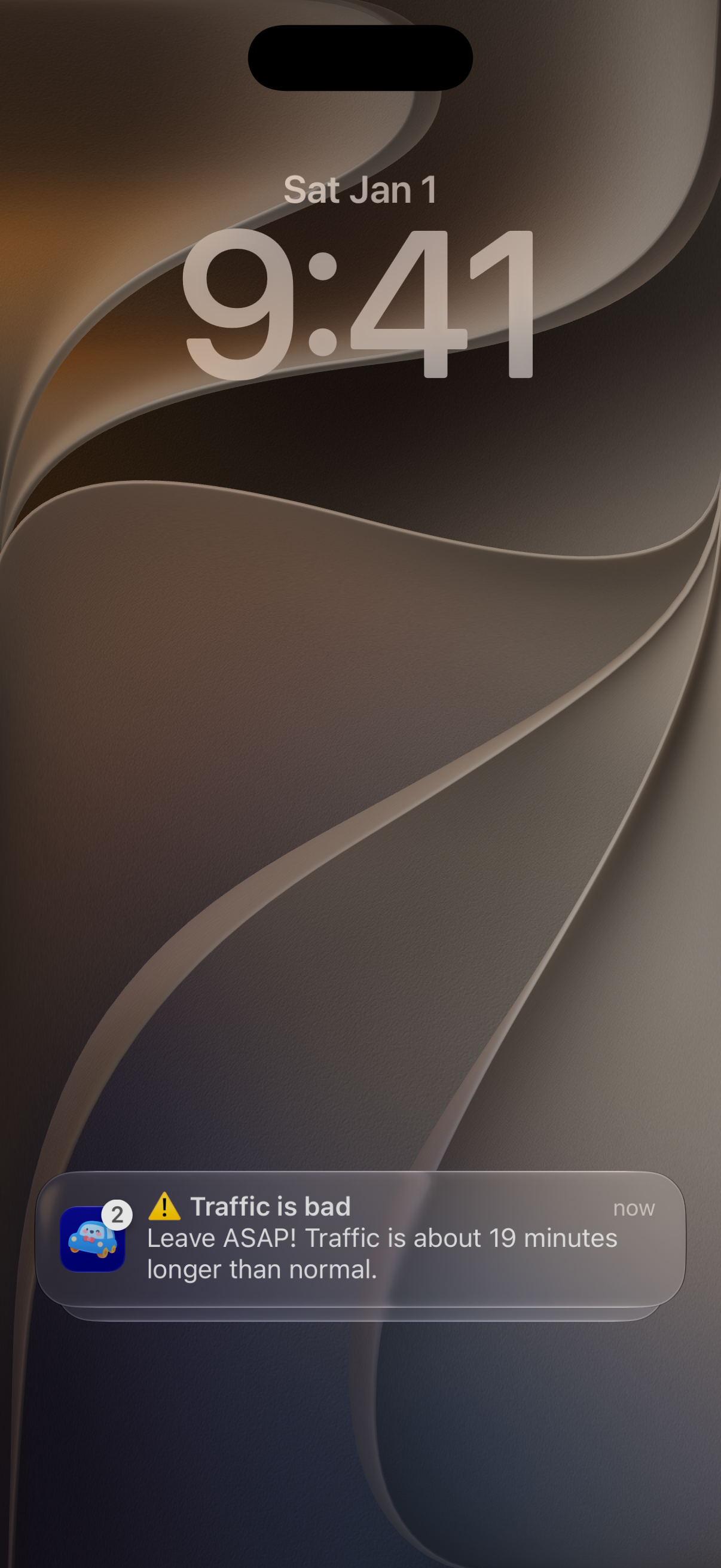
MyCommute does the checking. You save your commute once: where you start, where you are going, the time you need to arrive and the days you drive. On those days, MyCommute watches the traffic on your route and sends a notification with the time to leave. On a normal morning it says “Traffic is good. Leave at 8:22”. When the road is jammed, it tells you to leave now and how many minutes longer the drive will take.
The app is built around that notification, not around a map. You do not need to open it in the morning. The time to leave is also shown as a Live Activity on the Lock Screen and in widgets.
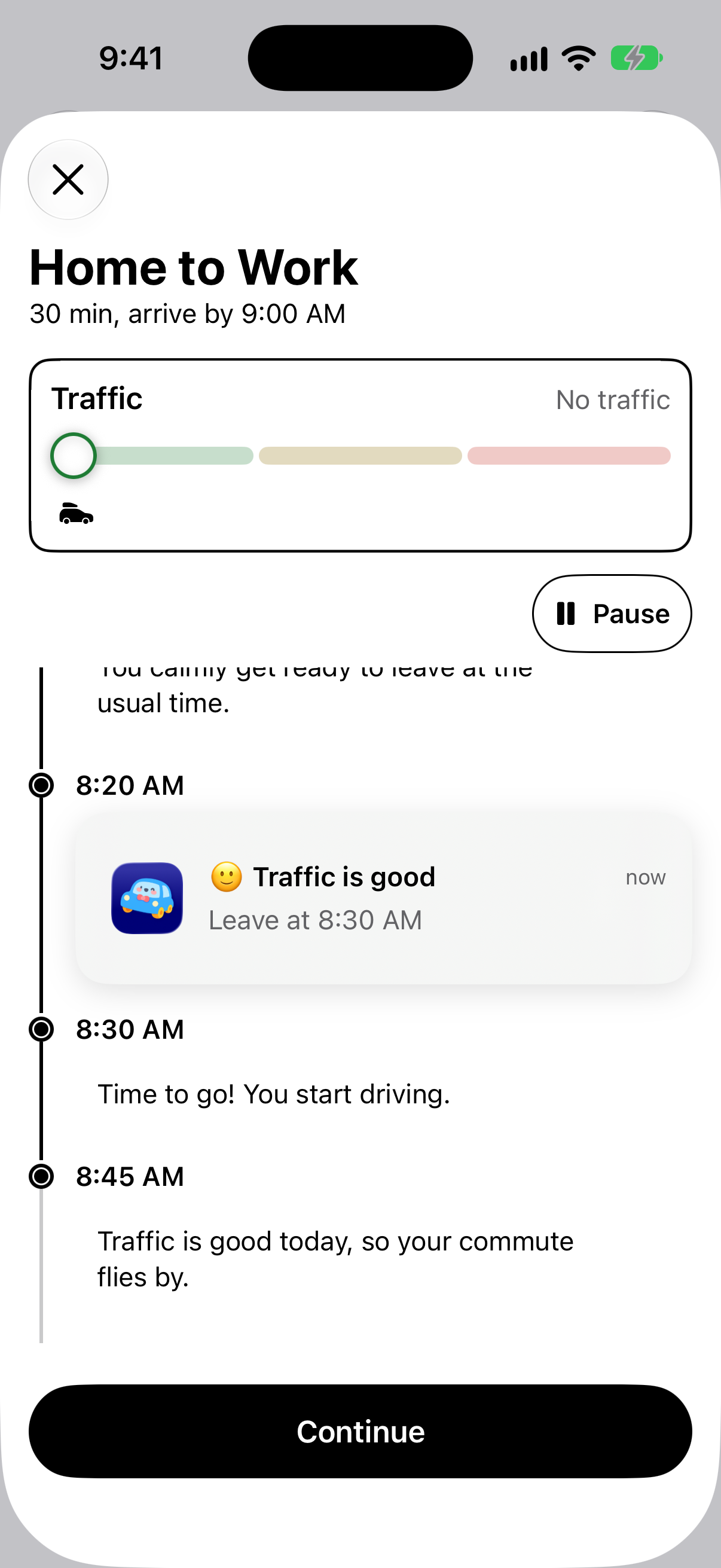
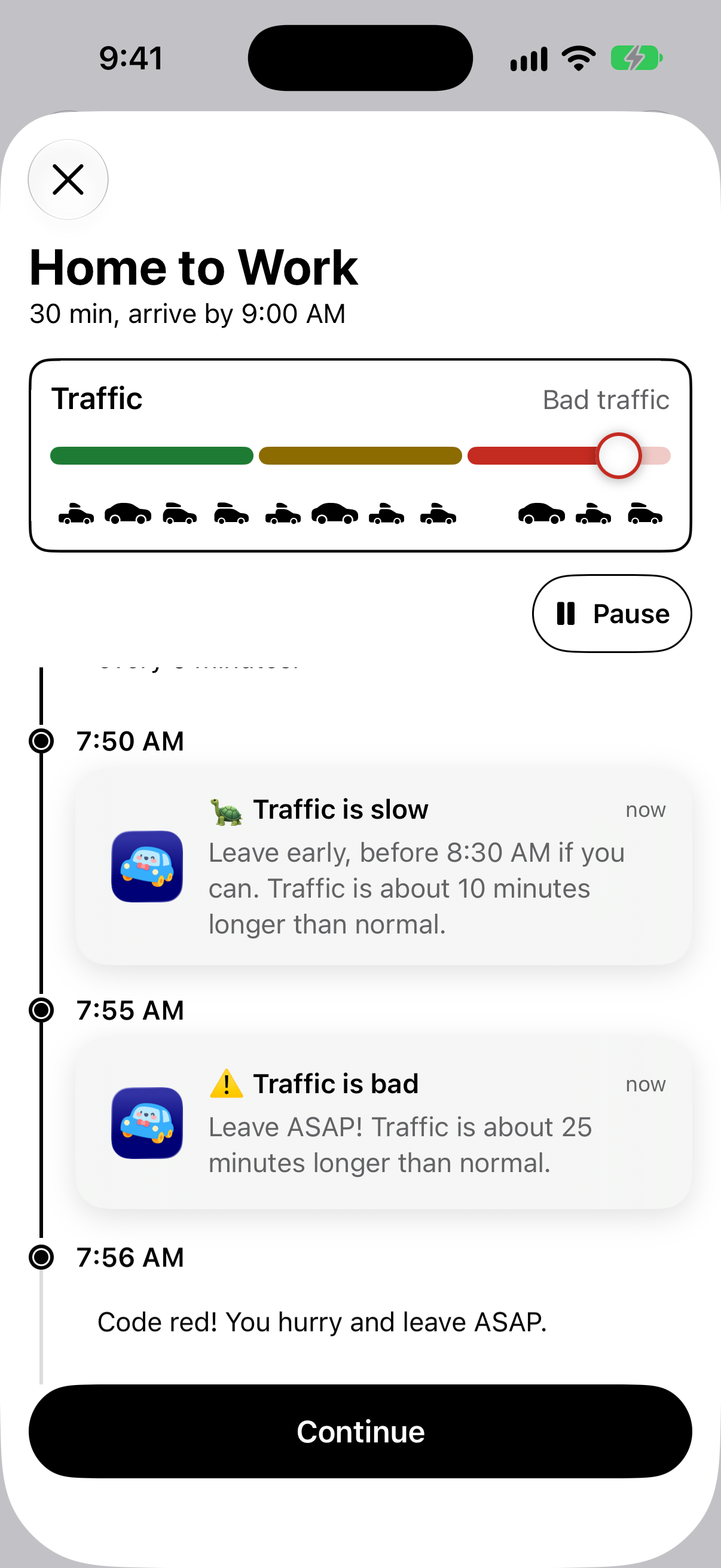
You decide how much you hear from it. Some people want a notification every morning. Others only want one when the traffic is bad. A preview inside the app shows how a morning plays out at each traffic level, so you can see what you would be told before you rely on it.
Key features
- MyCommute sends a notification that tells you when to leave for work, based on the traffic on your route that morning.
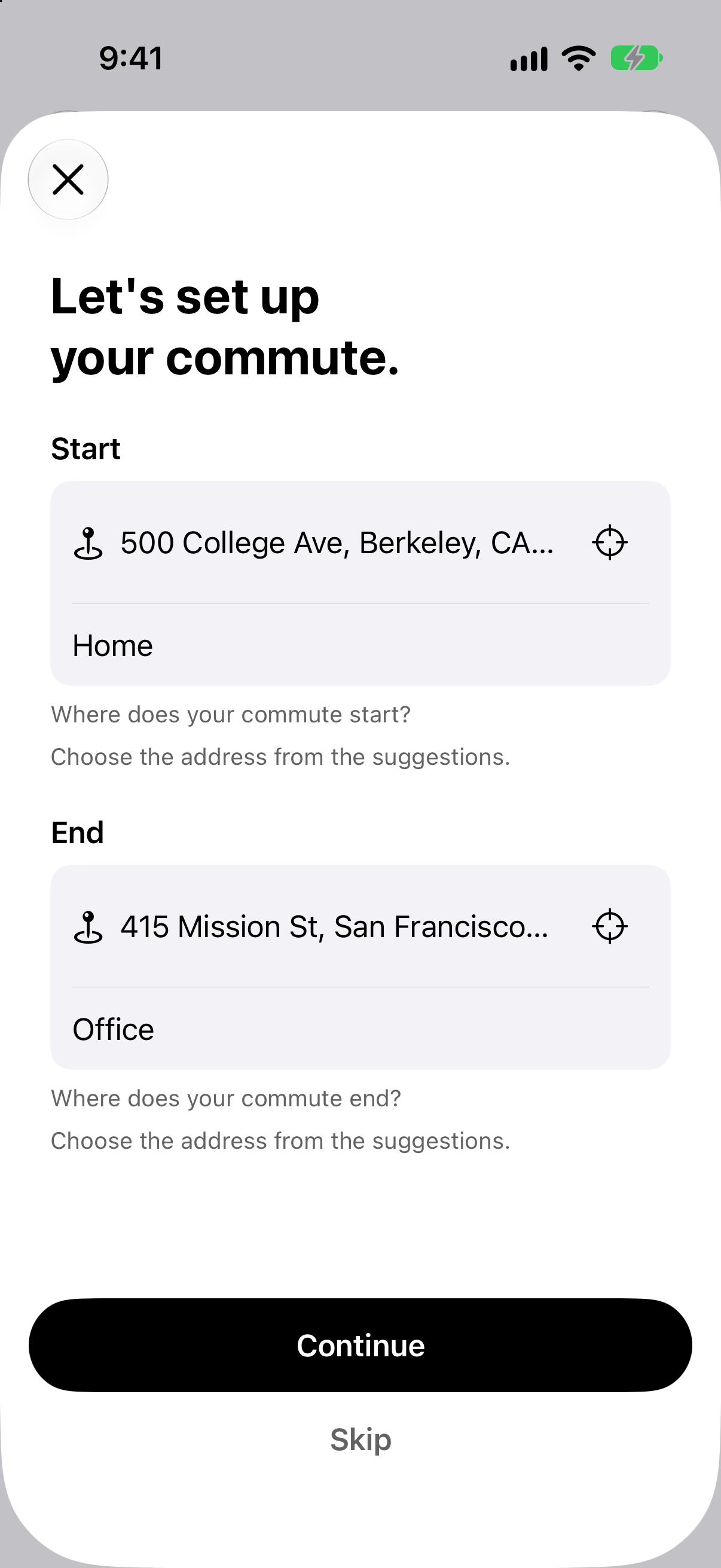
- You set up a commute once, with a start, a destination, an arrival time and the days you drive.
- You choose which traffic levels you want to hear about: good, slow, bad, or all three.
- A Live Activity and widgets show the time to leave on the Lock Screen and the Home Screen.
- A preview shows what MyCommute would tell you on a morning with good, slow or bad traffic.
- You can start using MyCommute without creating an account.
- MyCommute Premium adds unlimited routes, every day of the week, your own traffic limits, your own notification text, a time cushion of 5 to 10 minutes and a vacation mode that pauses notifications while you are away.
- MyCommute works with VoiceOver, Voice Control, Larger Text, Dark Mode, Reduce Motion and Differentiate Without Color.
- MyCommute is translated into more than 30 languages.
Images
You may use these images in articles, videos and posts about MyCommute. Each preview links to the full-size file. The press kit ZIP file has all of them.
Screenshots
Raw screens from an iPhone 17 Pro in the iOS Simulator, with no frames and no captions. PNG, 1206 × 2622 pixels.
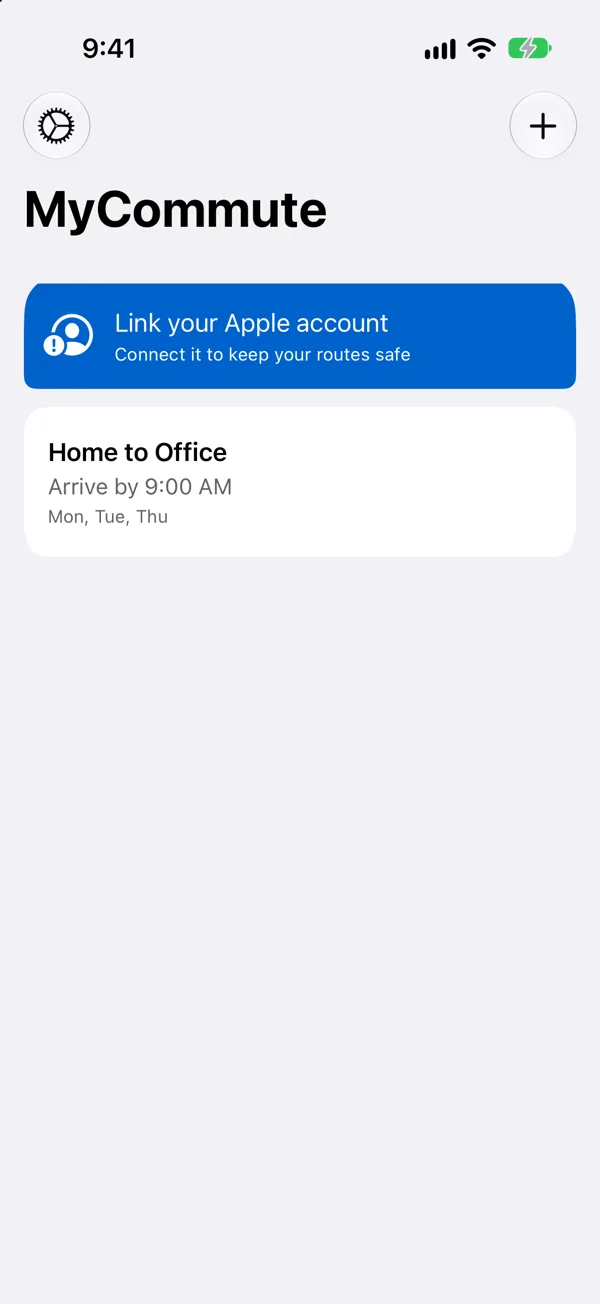
Main screen with one saved commute 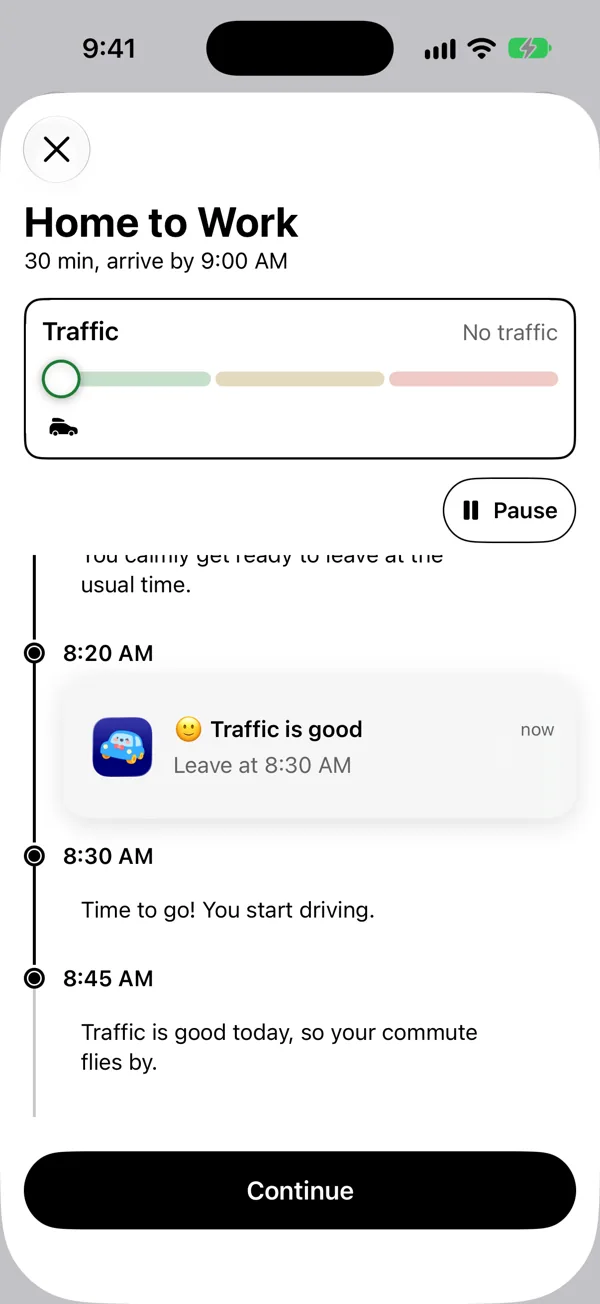
Preview of a morning with good traffic 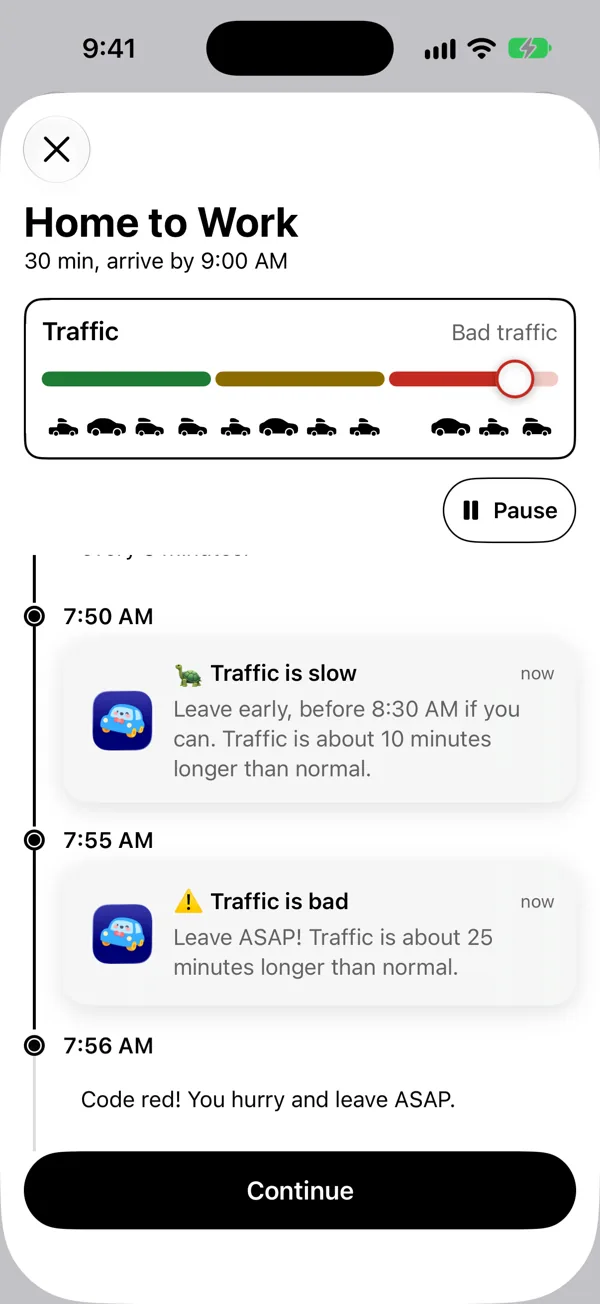
Preview of a morning with bad traffic 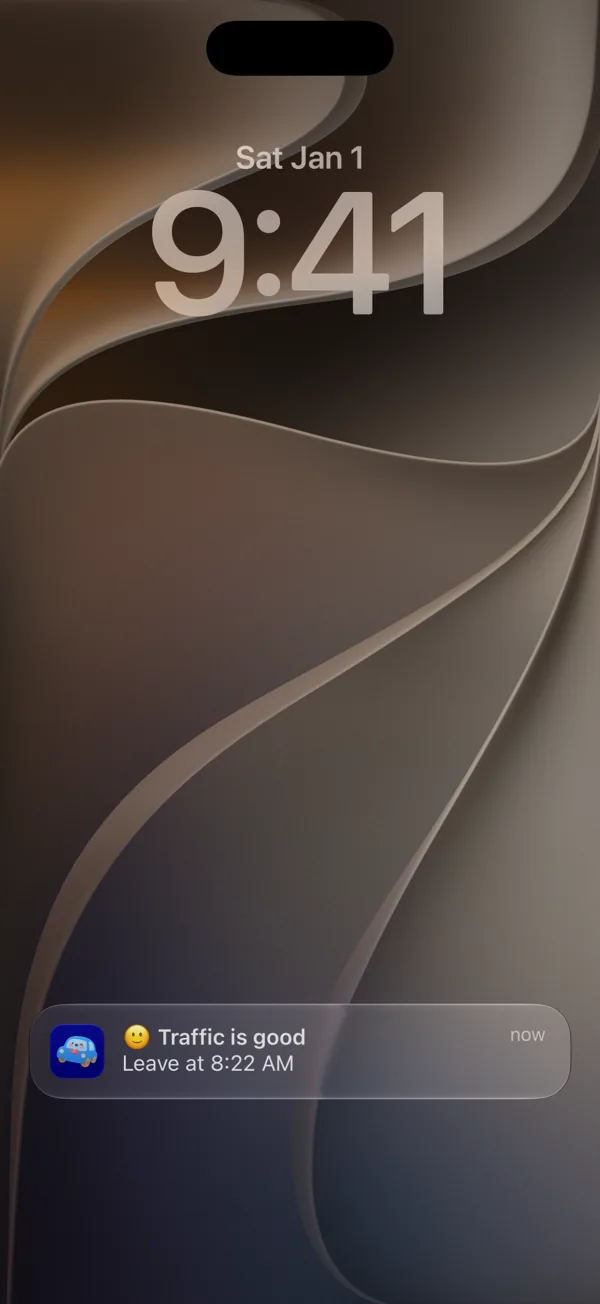
Lock Screen notification when traffic is good 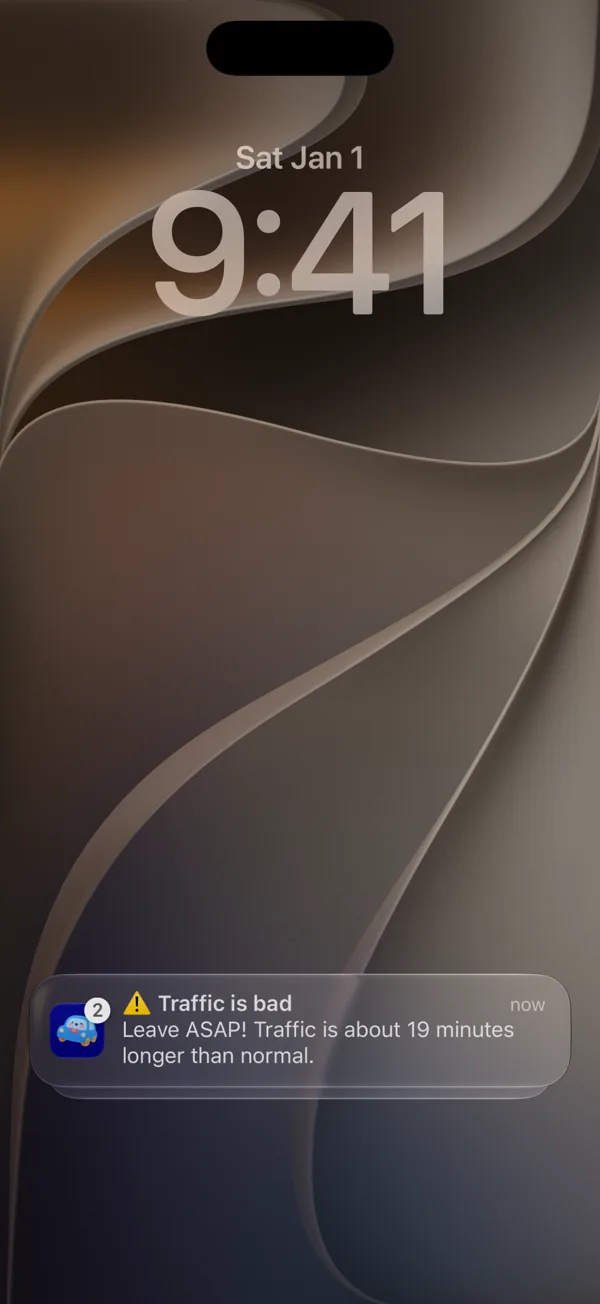
Lock Screen notification when traffic is bad 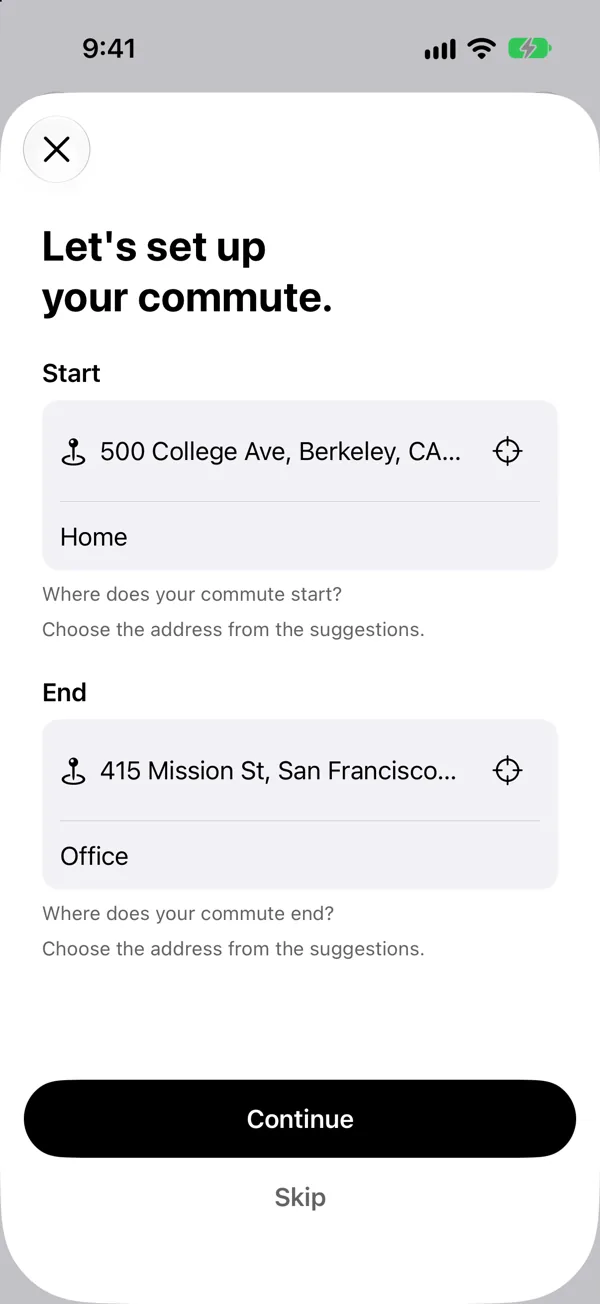
Setting up a commute: start and end 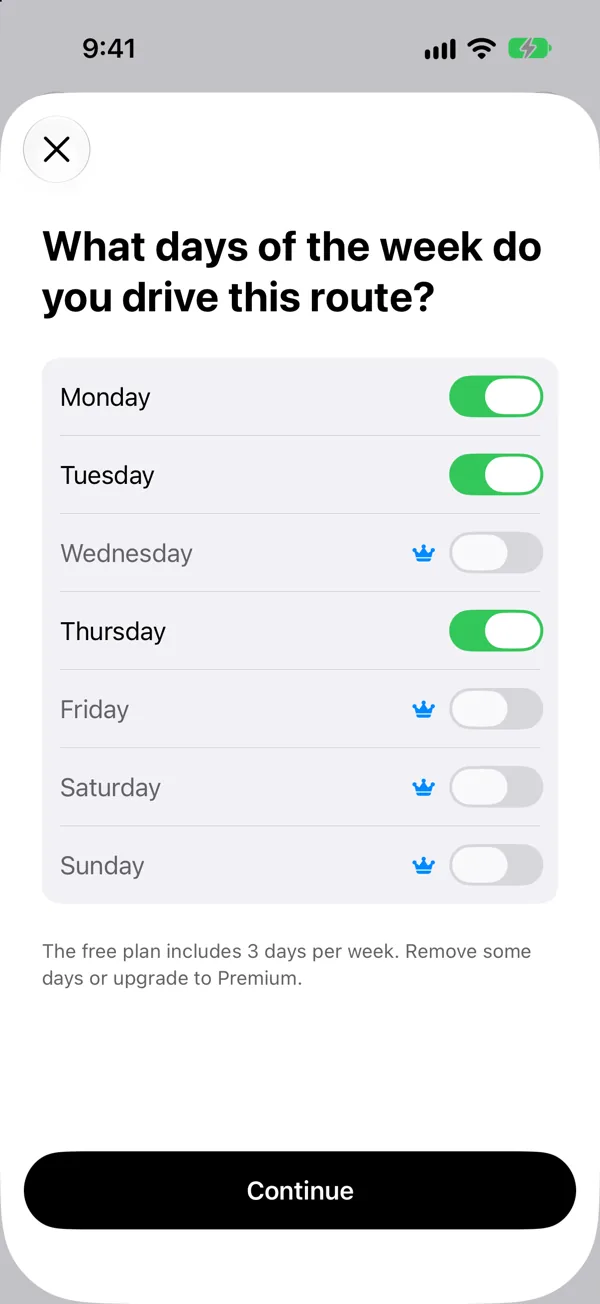
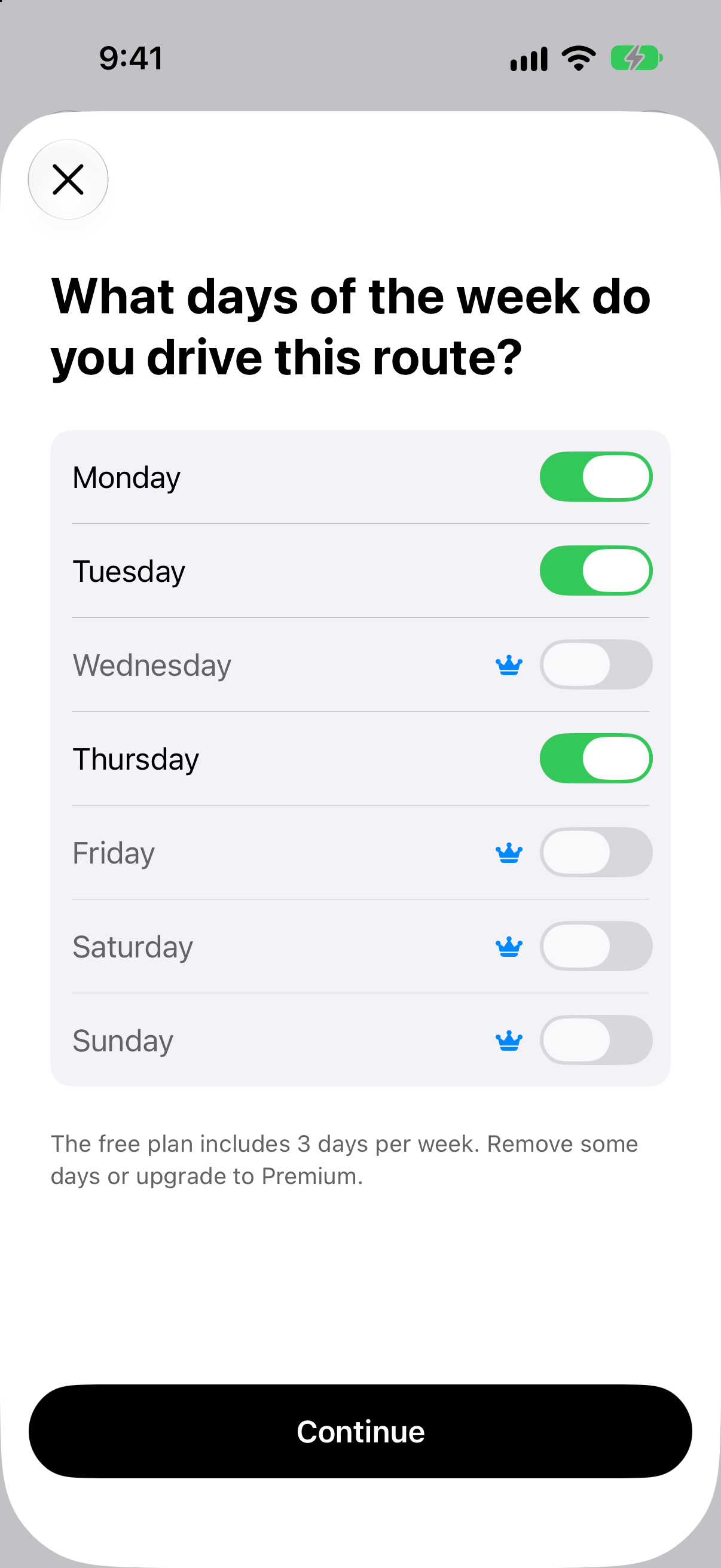
Choosing the days you drive 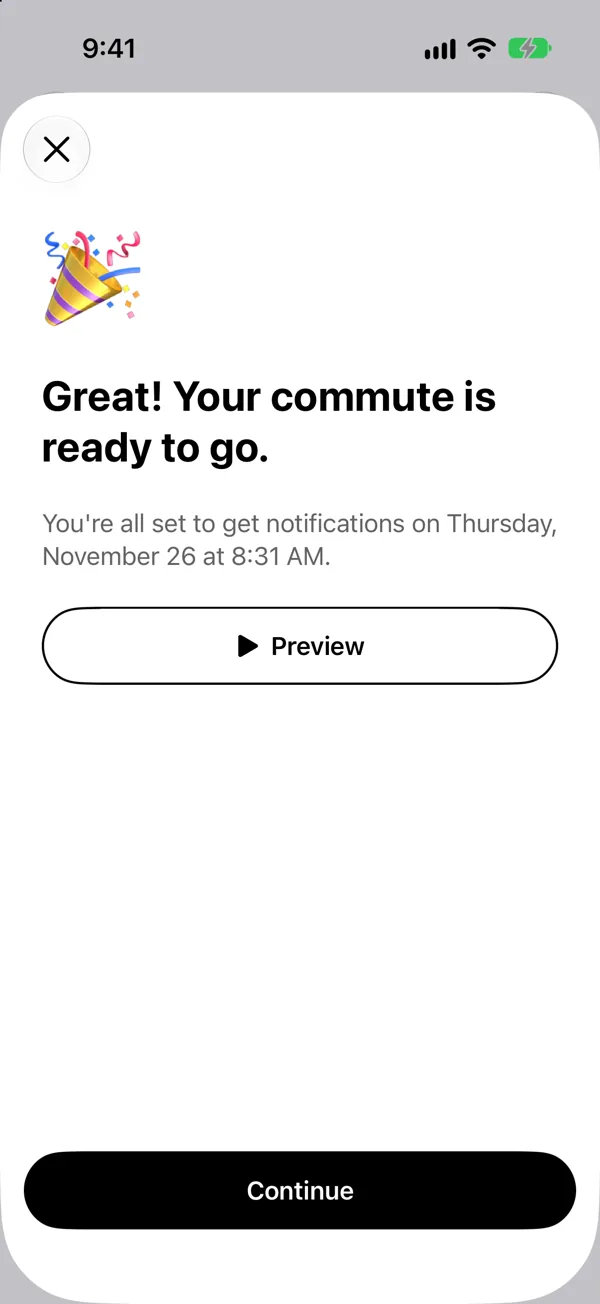
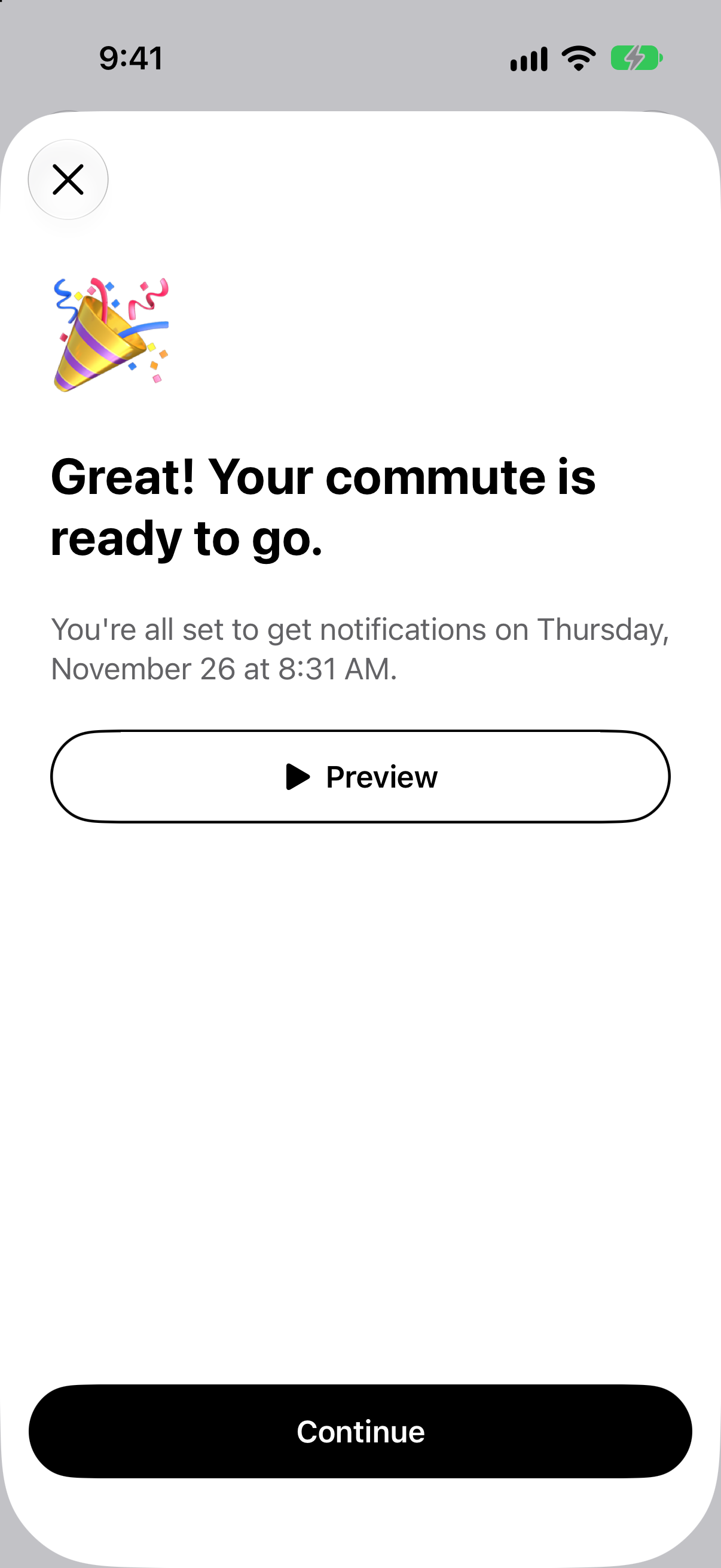
Setup finished 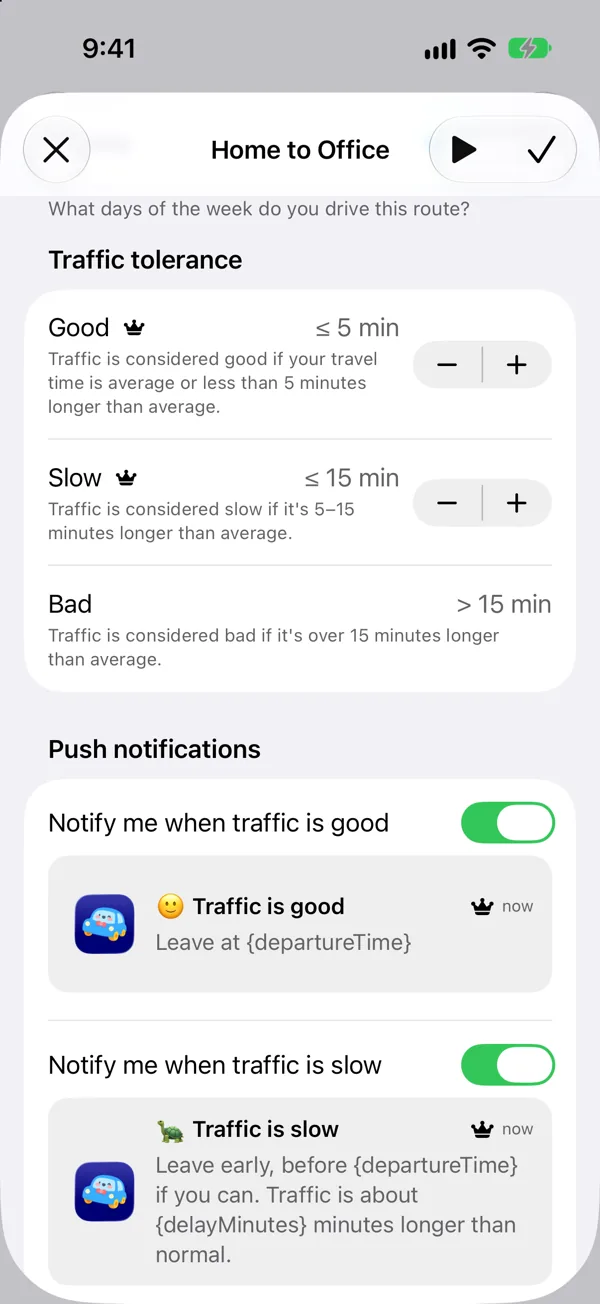
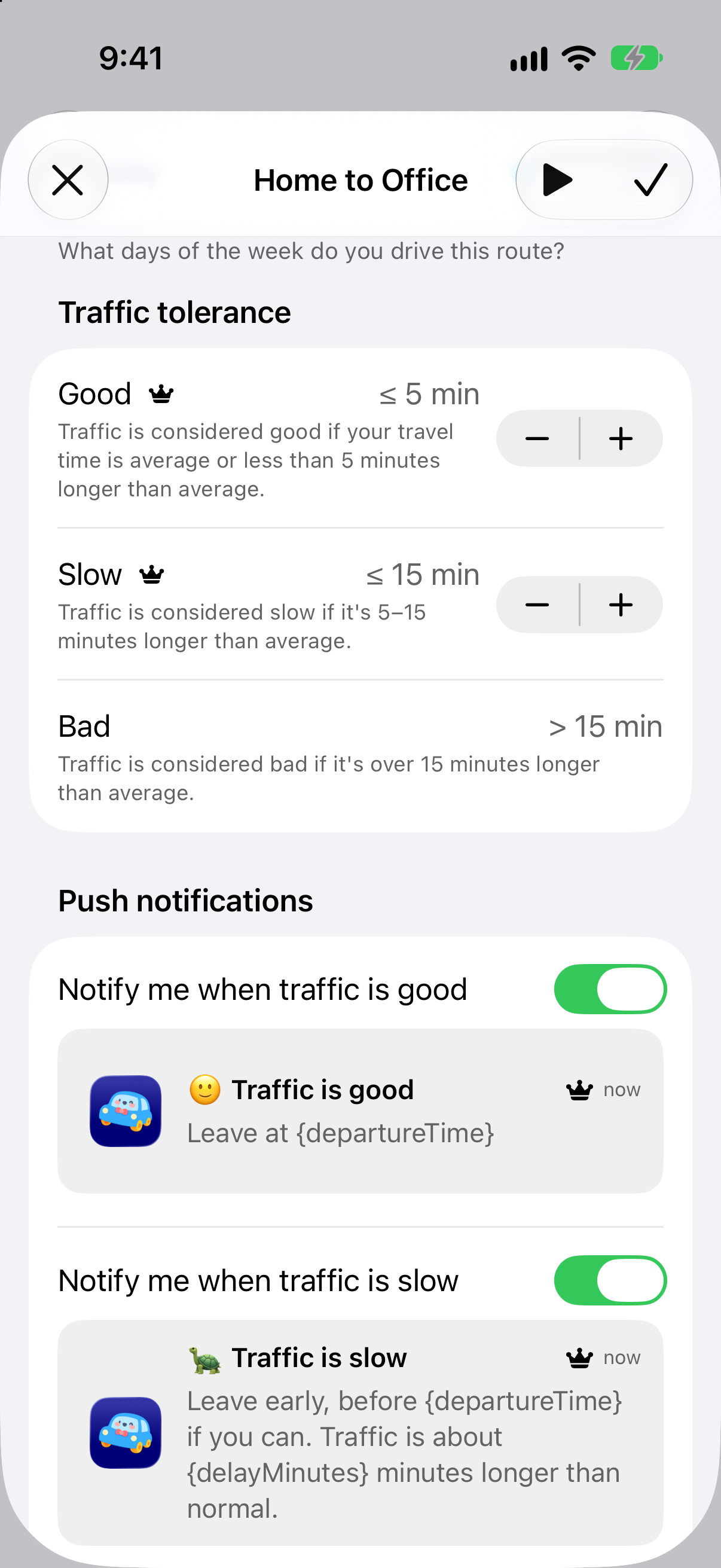
Traffic levels and notification choices 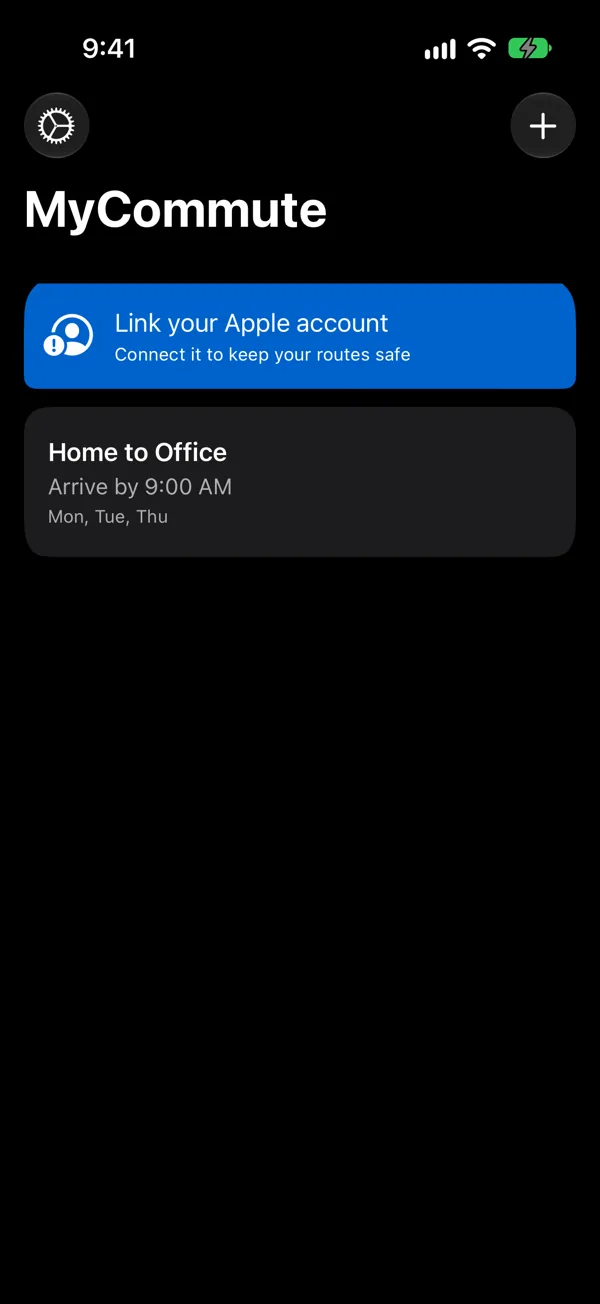
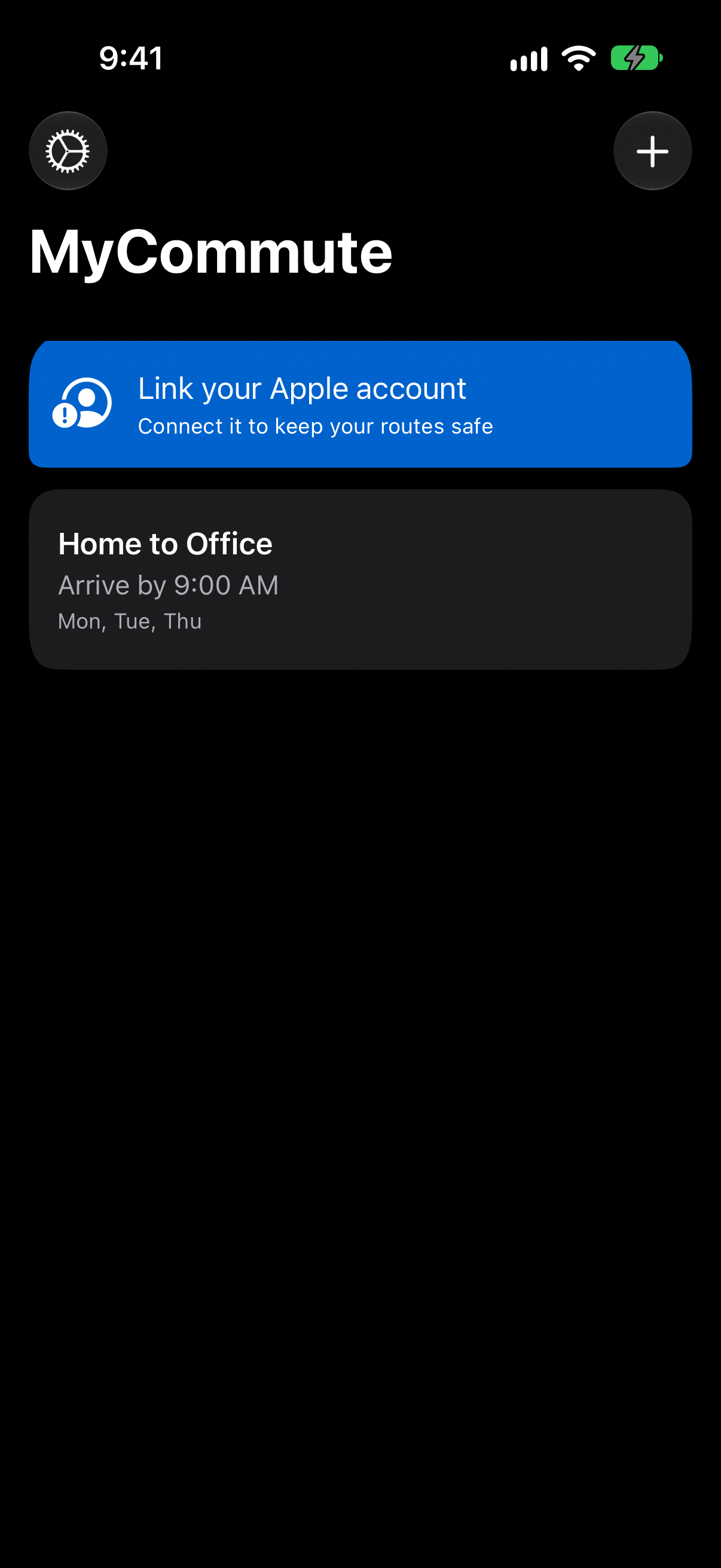
Main screen in Dark Mode
App icon

App icon, PNG: 1024 pixels, 512 pixels, 256 pixels

Artwork

MyCommute illustration, PNG, 3840 × 1646 pixels


What users say
★★★★★
“No more scrambling to get out the door at the last minute! Highly recommend this app for anyone looking to simplify their commute!”
★★★★★
“A great tool for those of us who are chronically late.”
About the developer
MyCommute is made by Robin Kanatzar, an independent iOS developer based in Bordeaux, France. Robin also makes the apps Blackjack: Learn, Practice and Yogaudio, speaks at iOS conferences including NSSpain and Swift Leeds, and helps other developers make their apps accessible.
More about Robin: robinkanatzar.com
Contact
Robin Kanatzar answers press questions directly.
- Email: hello@robinkanatzar.com (opens your email app)
- Mastodon: @Robinkanatzar@mastodon.green
- X: @robinkanatzar